
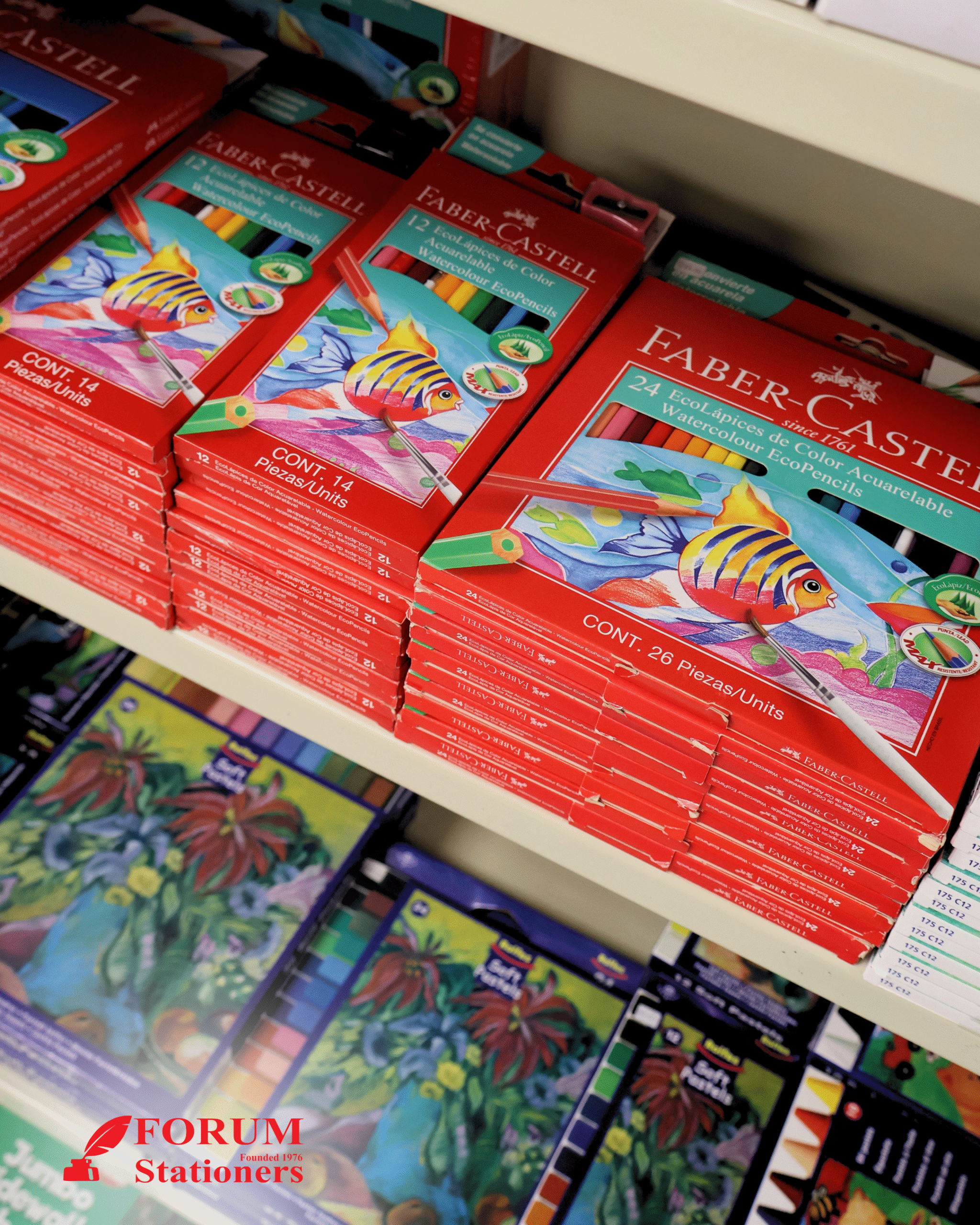
If you’ve ever walked past a set of watercolour pencils and wondered what all the…

How to Use Colour Coding to Improve Your Productivity
Do you ever feel overwhelmed by your to-do list, notes, or study materials? Colour coding might be the simple yet powerful trick you need to get organised, boost your focus, and make your daily tasks easier to manage.
At FORUM Stationers, we love seeing how a splash of colour can turn chaos into clarity. Here’s how you can use coloured pens, highlighters and sticky notes effectively to supercharge your productivity, no matter what you’re working on.
Why Colour Coding Works
Colour coding leverages the brain’s natural ability to process and remember visual information. By assigning specific colours to categories, priorities or types of tasks, you create a visual system that:
- Simplifies information
- Increases recall and memory
- Helps prioritise tasks at a glance
- Reduces stress by making your workload clearer
Tips for Using Colour Coding Effectively
1. Choose Your Colour Palette Wisely
Stick to 4-6 colours that are easy to distinguish from each other. Assign each colour a clear meaning or category – consistency is key!
For example:
- Red: Urgent or high-priority tasks
- Blue: Meetings or appointments
- Green: Completed tasks or goals
- Yellow: Ideas or things to research
- Pink: Personal tasks or reminders
2. Use Coloured Pens to Categorise Notes and Lists
When writing notes or to-do lists, use coloured pens to separate different topics or action items. This makes scanning through your notes faster and helps your brain chunk information more effectively.
For students: Use different colours for subjects or types of information (definitions, dates, formulas).
For professionals: Differentiate between projects, deadlines and follow-ups.
3. Highlight Strategically
Highlighters are perfect for drawing attention to important details. Use them to mark deadlines, critical facts or next steps, but avoid overdoing it! Too much highlighting defeats the purpose.
Tip: Use softer pastel highlighters for large sections and bright neon ones for urgent or crucial points.
4. Sticky Notes for Flexible Reminders
Sticky notes add a layer of flexibility and portability. Use different coloured sticky notes for various categories, such as:
- Action items
- Ideas to revisit
- Quick reminders
- Inspirational quotes
Place them where you’ll see them often: your planner, computer monitor or fridge.
5. Create a Colour-Coded Planner or Calendar
Whether you prefer a physical planner or digital calendar, use colours to mark different events, deadlines and priorities. This gives you an instant visual snapshot of your schedule.
6. Maintain Your System
Colour coding only works if you use it consistently. Make a simple key or legend and keep it somewhere visible until it becomes second nature. Review and adjust your system as needed to suit your changing tasks and goals.
Ready to Get Colour Coding?
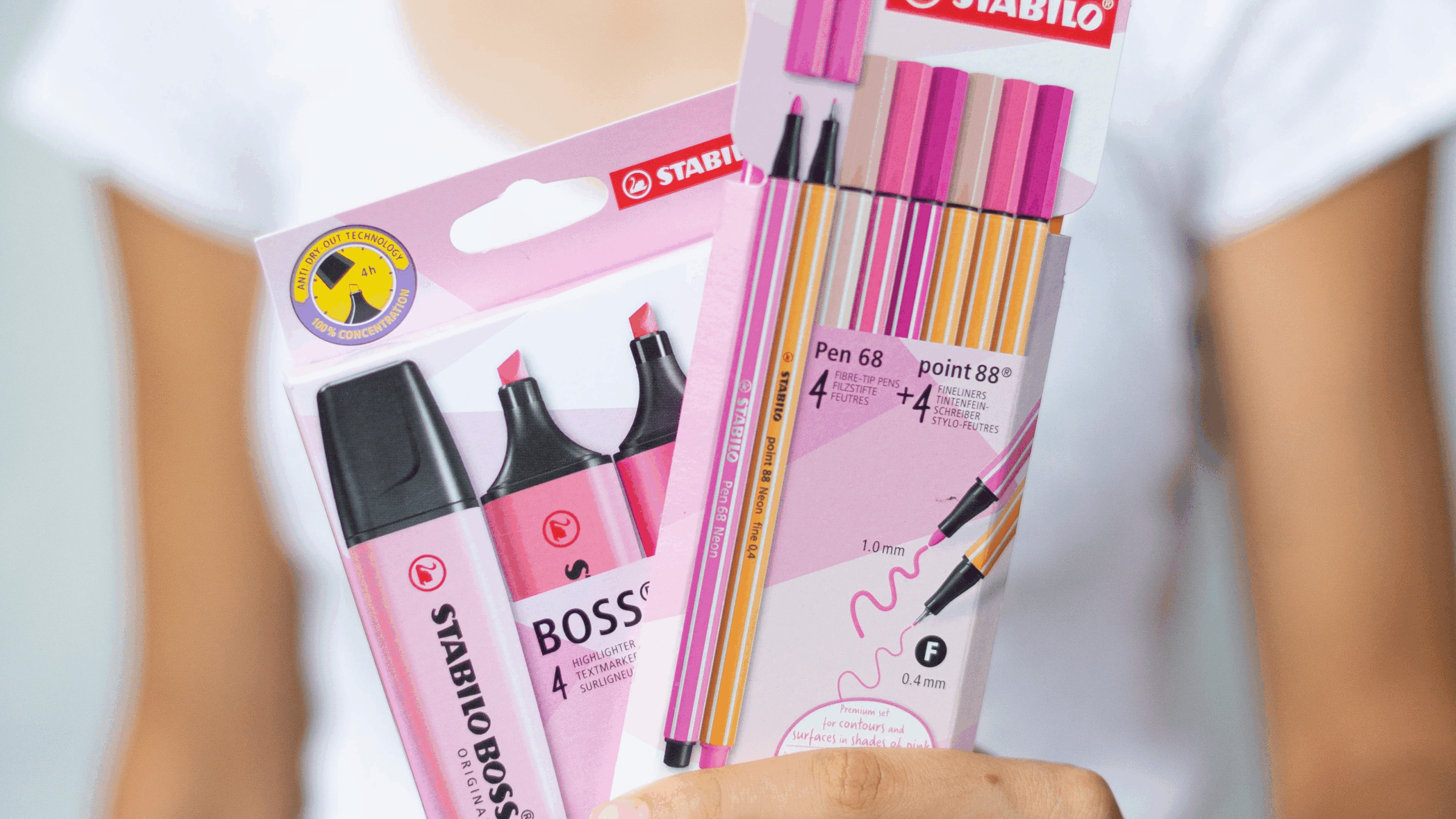
At FORUM Stationers, we have a fantastic selection of coloured pens, highlighters and sticky notes that will help you get started with your own colour-coded productivity system. Whether you’re a student, professional or home organiser, adding colour to your workflow makes a big difference.

Related Posts

This Post Has 0 Comments